tui
Audit Tools — Interactive TUI
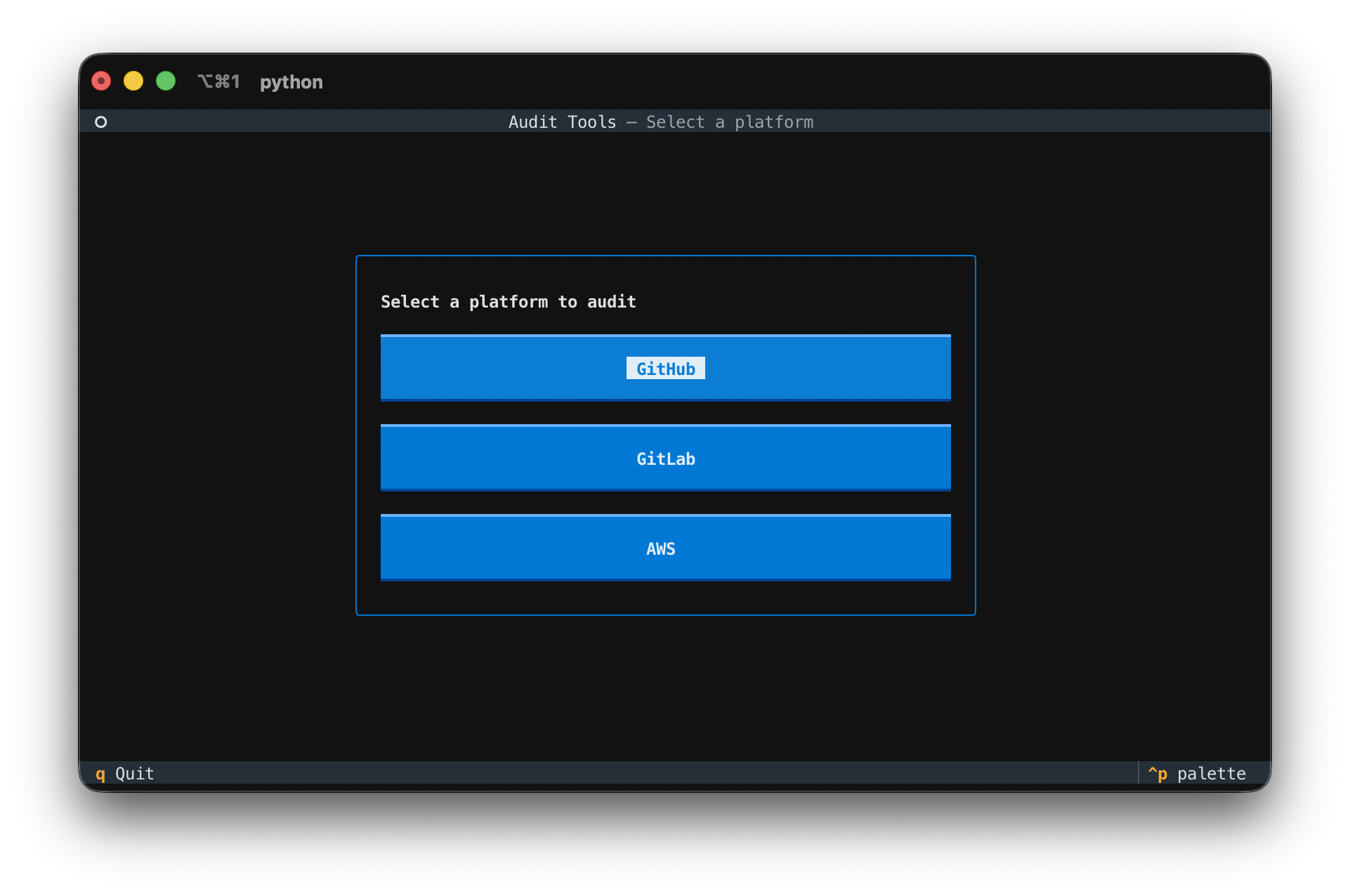
A terminal UI that walks you through running an audit. It presents a platform menu, collects connection details and check selection, then runs the existing collectors with live progress.
GitHub, GitLab, and AWS are supported. Adding a platform is a matter of writing
a runner and a Platform descriptor in tui/platforms.py — the screens are
platform-agnostic.
| Pick a platform | Choose checks | Watch it run |
|---|---|---|
 |
 |
 |
Run it
pip install ".[tui]"   # textual + the AWS/GitHub/GitLab collector deps
python audit_tui.py
The connection fields are pre-filled from environment variables if set:
# GitHub
export GITHUB_ORG=my-org
export GITHUB_TOKEN=ghp_...     # needs read:org and repo scopes

# GitLab
export GITLAB_GROUP=my-group
export GITLAB_TOKEN=glpat-...   # needs read_api scope
export GITLAB_URL=https://gitlab.example.com/api/v4   # self-hosted only

# AWS (credentials come from the standard AWS chain, not a form field)
export AWS_PROFILE=my-profile
export AWS_DEFAULT_REGION=us-east-1
export AWS_AUDIT_ACCOUNT=my-account   # optional; only for the SSO check
AWS never asks for an access key in the UI — it uses your configured profile /
credential chain (env vars, ~/.aws, SSO). Read-only permissions are enough.
Walkthrough
- Platform — choose GitHub or GitLab.
- Connection — the audit subject (org / group), a masked token, and any platform-specific fields (branch for GitHub; API base URL for GitLab).
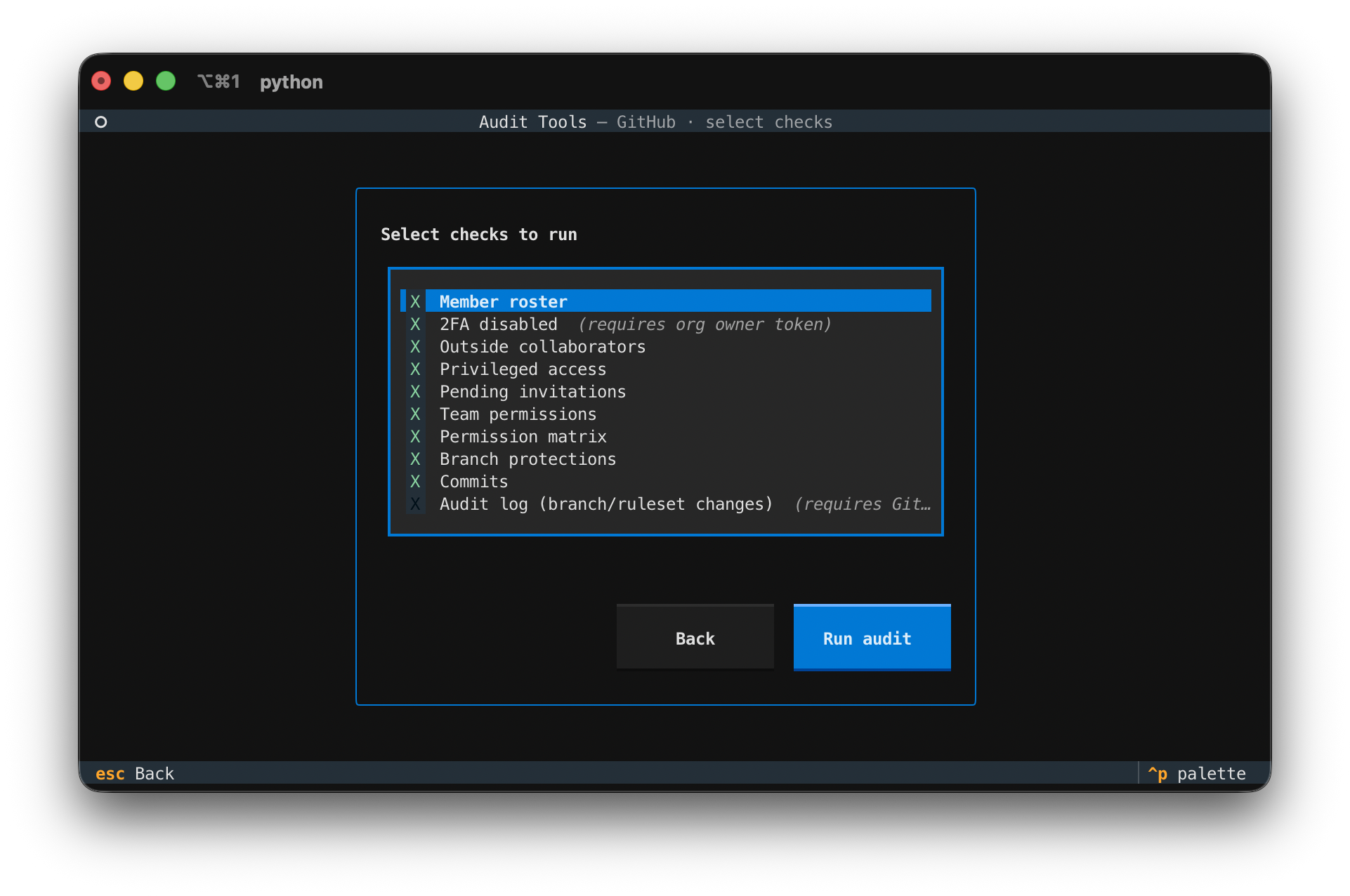
- Checks — toggle which checks to run. Plan-restricted checks (GitHub's Enterprise audit log; GitLab's Premium and self-hosted checks) are off by default.
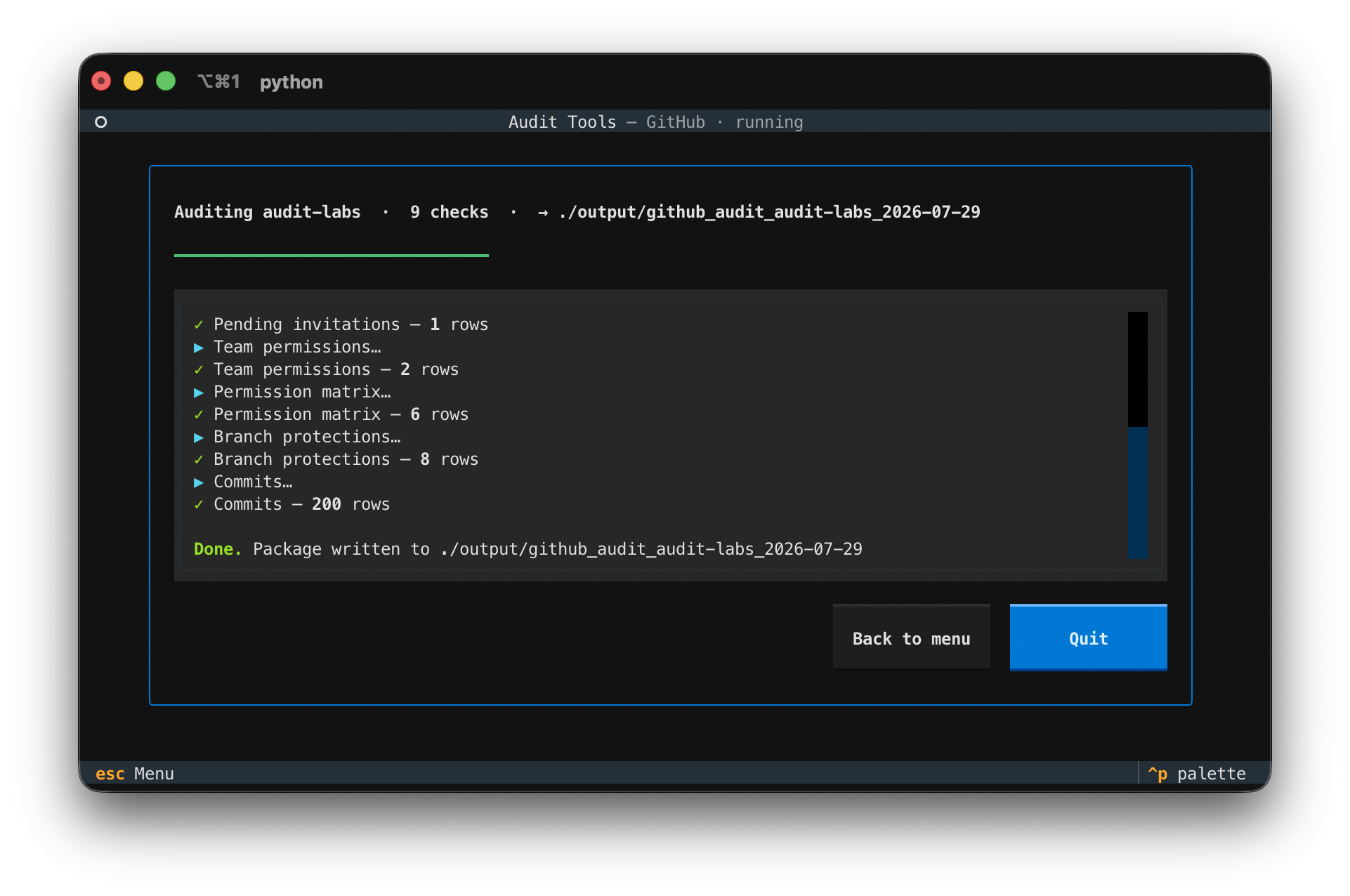
- Run — a progress bar and live log show each check completing with its row count. Errors on a single check are reported without stopping the run.
Output
The TUI writes the same package the platform's audit.py produces —
github_audit_<org>_<date>/, gitlab_audit_<group>_<date>/, or
aws_audit_<profile>_<date>/ under the output directory — one CSV per check
plus a summary.txt. It reuses each platform's collectors and CSV reporter
unchanged; the TUI is only an interactive driver around them.
Keys
Esc— back / return to menuCtrl+P— command paletteq— quit (from the menu)
Tests
python -m pytest tui/tests
The tests stub the network-bound collectors, so they run offline: one suite covers the run orchestration, another drives the app headlessly through every screen.